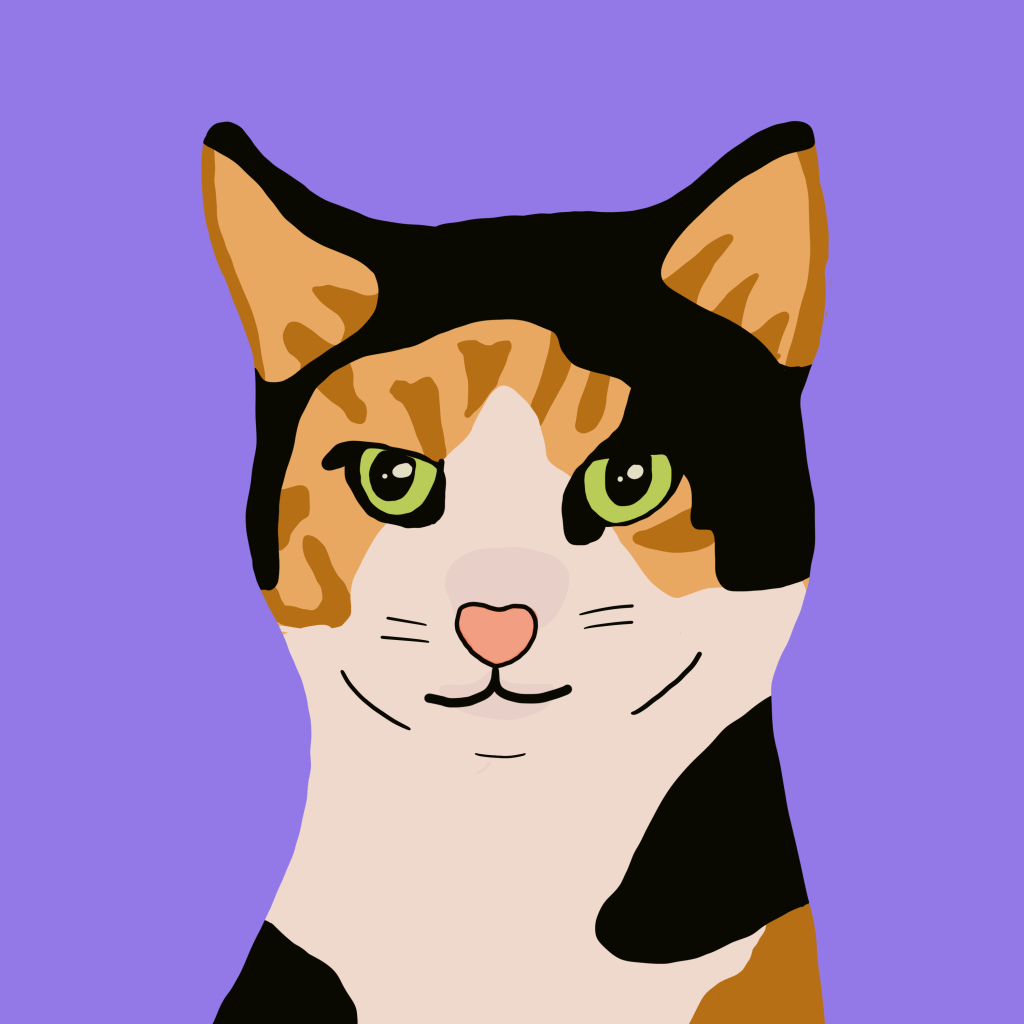
This card is from Chipflake’s Basic Animation video (link below).
This lesson is about basic animation in Clip Studio Paint. It leads you through a simple animation of a cat meowing, while going over all the basics of setup and a good work process. I was able to get through the lesson with a very mis-formed cat, but I did it! And I was charmed by it! And I’m really amazed by the capability of Clip Studio. I am having a much easier time getting results I like in CSP, much better than Photoshop or Procreate. Probably part of it is just practice and getting better at art, but I feel like the control is much better in CSP, it’s very much like drawing on paper. This lesson took me the better part of two days of work. I watch several videos recommended by CSP and this workflow was the best for me. I made some other basic animations, like a rolling ball, but Clipflake’s tutorial was the best. I really enjoyed it and I’m having fun playing with animation.
Next time I will plan my own animation and think about things better ahead of time. Now that I have the gist of how to work things, I can do a better animation next time.
Clip Studio Paint using Huion tablet.
This took about 2 days of experimentation and about two hours to complete this image.

I even added this to a test video with a meow sound, and it’s amazing how much sound adds to the effect. Very cute! I did not include the sound with this gif since I don’t want my website meowing!
Here is Clipflake’s tutorial:



 Grenbug
Leave a comment