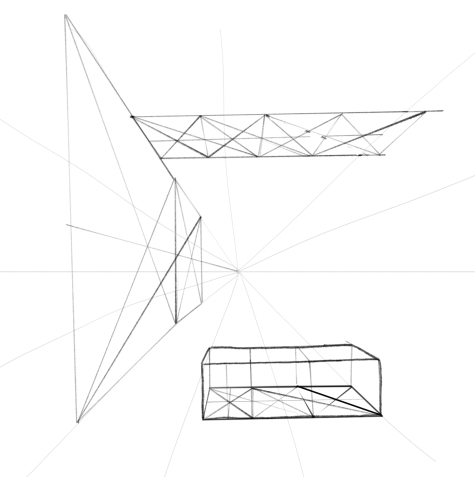
This card is from SVS Basic Perspective.
This lesson is about basic 1 point perspective. One thing I found is that it seems much harder to create straight lines in Photoshop. I might need to find some settings on brushes to assist with getting better lines. I tried the line tool, but that’s really different. I was able to use shift-clicking to get straight lines, but it’s not as precise and you can’t edit them. It’s one area where Procreate is much better. If I have a scene where I know I want a lot of straight lines, such as a city scene with buildings and windows, it might be better to use Procreate. My hand drawn lines are too wobbly otherwise. Other than that, the lesson is very basic and easy. I marked it as easy. I didn’t have much to show, a lot of the time was practice and working with tools in Photoshop.
Next time I will work with Procreate and try these exercises there.
Photoshop using Huion tablet.
I did 30 minutes practice and then 20 minutes to complete this image.



 Grenbug
Leave a comment